Why do I have a Homelab?
It usually starts with a question that sounds completely harmless:
“I wonder if I could turn that old computer in the closet into something useful?”
At the time, you imagine a quiet, self-contained little project. Maybe a small file share so you don’t have to email PDFs to yourself, or a local Pi-hole instance to block network trackers on your phone. It feels like an afternoon experiment.
Six months later, you find yourself staring at an SSH terminal at midnight, diagnosing why a reverse proxy refuses to renew an SSL certificate, while an array of fanless mini-PCs blinks softly on a shelf behind your desk.
Welcome to the homelab: the most rewarding, educational black hole in personal computing.
What My Setup Actually Looks Like
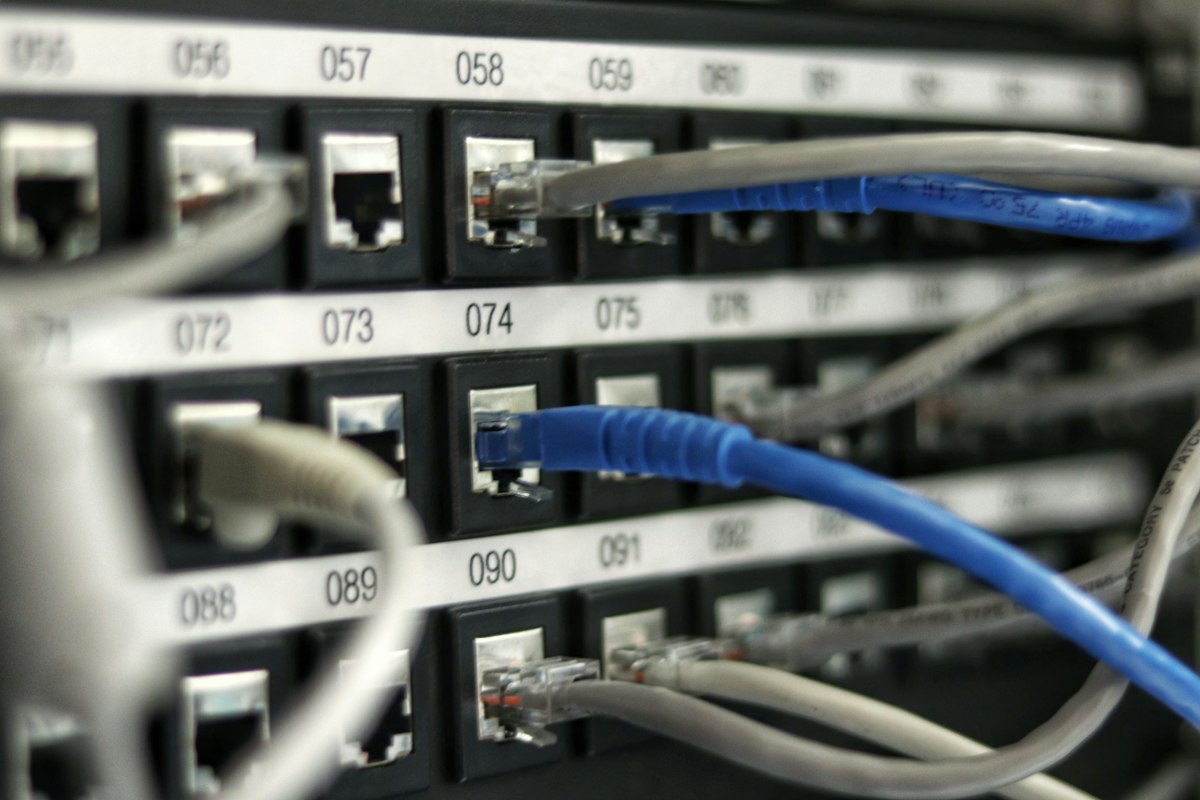
When people hear the word “homelab,” they often picture enterprise server racks: 42U steel cabinets humming at 80 decibels in a soundproofed basement, drawing enough kilowatt-hours to dim the neighborhood streetlights.
My setup is much more modest, practical, and quiet.
Instead of enterprise rack units, I rely on repurposed hardware, mini PCs, and second-hand desktop machines. For what I do, power efficiency, low noise, and reliability matter far more than raw enterprise compute.
Under the hood, the environment runs on:
- Proxmox Virtual Environment (VE): Running on bare metal as the hypervisor layer. Proxmox makes it effortless to spin up isolated virtual machines, spin down experiments that didn’t work out, and take point-in-time snapshots before doing something risky.
- Debian and Ubuntu Server: The bedrock Linux distributions across nearly every VM and container.
- Docker & Docker Compose: The engine for almost all application services. Everything that can be containerized is containerized, defined in declarative compose files rather than configured by hand.
- Core Network Services: Local DNS management, reverse proxies for automatic HTTPS termination, and wireguard-based VPN access so I can securely reach my internal tools from anywhere without punching arbitrary holes in my firewall.
- Self-Hosted Productivity & Storage: Local Git mirrors, automated backup targets, personal cloud synchronization, and experimental databases.
Why Do It Yourself When the Cloud Exists?
In 2026, you can rent virtually any service on the internet for a few dollars a month. If all I wanted was cloud storage or an offsite database, spinning up an AWS or DigitalOcean droplet would be faster and objectively less work.
So why take on the burden of managing hardware, updating Linux kernels, configuring firewall rules, and handling physical storage drives?
1. Learning by Breaking Things Safely
There is an enormous difference between reading about how a computer works and having to fix one when you break it.
In a commercial cloud service, most of the operating system is abstracted away behind a clean web dashboard. When an API call fails, you check a status page. But when your home DNS server goes down, the internet stops working for every device in your living room.
Suddenly, abstract networking concepts become very real and urgent: - You learn how DNS resolution cascades because your browser can’t find a website. - You learn how subnetting, gateways, and VLANs operate because your IoT devices can’t talk to your media server. - You learn how Linux file permissions, user namespaces, and POSIX ACLs work because a Docker container refuses to write data to a mounted disk.
In a homelab, you have full root privileges and no corporate guardrails. You are free to experiment, break things, inspect the wreckage with journalctl, systemctl, ip route, and dmesg, and rebuild them properly. That visceral debugging cycle builds an intuition for systems that no textbook can replicate.
2. The Surprising Connection to Research & Computational Biology
My primary academic focus is molecular biology and bioinformatics—specifically bacteriophage genomics, single-cell analysis, and scientific workflow development.
At first glance, building Linux servers might seem completely disconnected from analyzing viral genomes or single-cell Perturb-seq data. In practice, the two disciplines are deeply intertwined.
Modern bioinformatics is fundamentally a systems discipline: - Scientific pipelines (like Snakemake or Nextflow) rely on declarative rule graphs, Conda environments, containerization (Docker/Singularity), and high-throughput disk I/O. - Running large-scale comparative genomics requires a solid grasp of memory allocation, CPU thread scheduling, and disk caching. - When an analysis fails on a university High-Performance Computing (HPC) cluster, researchers who only know Python or R often get stuck because the failure isn’t in their biological code—it’s an out-of-memory kernel kill, a broken environment symlink, or an unhandled POSIX signal.
Because I spend my free time debugging container networks and Linux storage mounts in my homelab, working in a cluster environment feels natural rather than intimidating. The homelab is the gym where I practice the infrastructure skills that make my research software reliable.
Lessons Learned the Hard Way
You don’t run a homelab without accumulating a few scars. Over the past year of building and maintaining these systems, a few hard-won rules have become personal gospel:
1. If It Isn’t Documented, It Doesn’t Exist
Six months after setting up an obscure reverse-proxy rewrite rule or a custom cron job, you will not remember why you did it. When something breaks, your past self will feel like a total stranger.
I now keep an internal documentation repository for every service, configuration snippet, and network topology diagram. Documentation isn’t bureaucracy—it’s self-defense.
2. Declarative Infrastructure Beats Manual Tweaking
The temptation to SSH into a server, run sudo apt install, and hand-edit a config file in /etc is strong. It’s fast, and it works—until you have to rebuild that server from scratch after a drive failure.
Everything in my lab is now defined declaratively: Docker Compose files committed to Git, configuration files backed up automatically, and setup scripts documented. If a machine dies today, I can restore its entire state onto fresh hardware in twenty minutes.
3. Never Touch Production on Sunday Night
If an update claims to be a “quick five-minute reboot,” and it’s 10:30 PM on a Sunday, close the laptop. It is never five minutes.
What’s Next for the Lab?
A homelab is never truly “finished.” It simply reaches temporary states of equilibrium before curiosity strikes again.
Right now, I’m working on: - Infrastructure as Code (IaC): Automating VM provisioning with Ansible and exploring lightweight Kubernetes (k3s) for orchestrating container workloads. - Local LLM & Inference Staging: Experimenting with local, open-weights model inference on dedicated GPU compute for offline code assistance and document indexing. - Enhanced Network Segmentation: Further isolating experimental containers from core household infrastructure using managed VLANs and firewall rules.
Closing Thoughts
A homelab isn’t about saving money, and it certainly isn’t about saving time.
It’s about curiosity. It’s having a sandbox where you can ask “What happens if I try this?” and immediately find out. In a world where technology increasingly pushes us toward closed platforms, managed subscriptions, and black-box cloud services, running your own servers is a quiet, deeply satisfying reminder that you can still understand the machines you rely on.
Citation
@online{kutzen2026,
  author = {Kutzen, Dalton},
  title = {Why Do {I} Have a {Homelab?}},
  date = {2026-10-21},
  url = {https://kutzen.org/blog/2026-10_why_homelab/},
  langid = {en}
}